
1111 VPN Proxy1.0 - Google Play
You'll be able to see results in few seconds.
Publisher Description
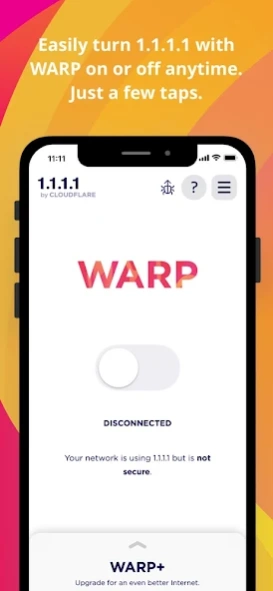
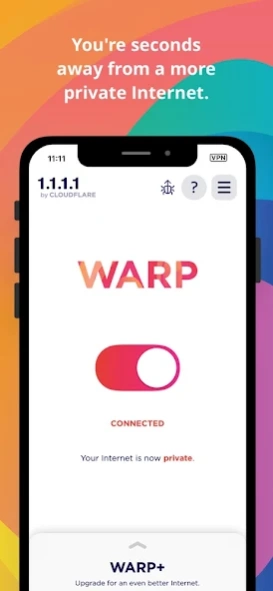
get a more private Internet, it’s that simple.
makes your Internet more private and safer. No one should be able to snoop on what you do on the Internet. We’ve created 1.1.1.1 so that you can connect to the Internet securely anytime, anywhere.
• A better way to connect
1.1.1.1 with WARP replaces the connection between your phone and the Internet with a modern, optimized, protocol.
• Greater privacy
1.1.1.1 with WARP prevents anyone from snooping on you by encrypting more of the traffic leaving your phone. We believe privacy is a right. We won't sell your data.
• Better security
1.1.1.1 with WARP protects your phone from security threats like malware, phishing, crypto-mining and other security threats when you enable 1.1.1.1 for Families option from the DNS settings inside the app.
• Easy to use
One-touch setup to make your Internet more safe and private. Install it today, get a more private Internet, it’s that simple.
• The only way to get WARP+
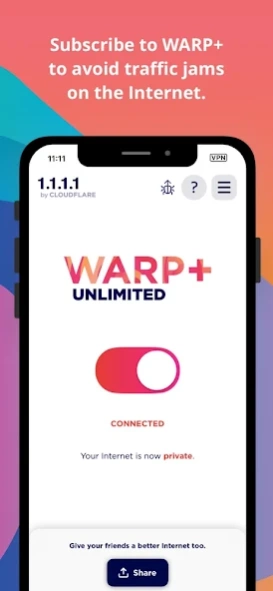
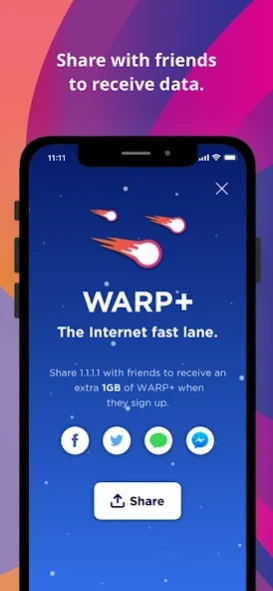
We test thousands of paths over the Internet every second to find which have the best performance. Skip right past Internet traffic jams using the same technology that we use to make thousands of websites 30% faster (on average).
About 1111 VPN Proxy
The company that develops 1111 VPN Proxy is LopezHaul NET. The latest version released by its developer is 1.0.
To install 1111 VPN Proxy on your Android device, just click the green Continue To App button above to start the installation process. The app is listed on our website since 2023-10-17 and was downloaded 1 times. We have already checked if the download link is safe, however for your own protection we recommend that you scan the downloaded app with your antivirus. Your antivirus may detect the 1111 VPN Proxy as malware as malware if the download link to com.vpn1111.onevpn is broken.
How to install 1111 VPN Proxy on your Android device:
- Click on the Continue To App button on our website. This will redirect you to Google Play.
- Once the 1111 VPN Proxy is shown in the Google Play listing of your Android device, you can start its download and installation. Tap on the Install button located below the search bar and to the right of the app icon.
- A pop-up window with the permissions required by 1111 VPN Proxy will be shown. Click on Accept to continue the process.
- 1111 VPN Proxy will be downloaded onto your device, displaying a progress. Once the download completes, the installation will start and you'll get a notification after the installation is finished.
Program Details
System requirements
Download information
Pricing
Version History
version 1.0
posted on 2023-10-17
Disclaimer
Official Google Play Link
We do not host 1111 VPN Proxy on our servers. We did not scan it for viruses, adware, spyware or other type of malware. This app is hosted by Google and passed their terms and conditions to be listed there. We recommend caution when installing it.
The Google Play link for 1111 VPN Proxy is provided to you by apps112.com without any warranties, representations or guarantees of any kind, so access it at your own risk.
If you have questions regarding this particular app contact the publisher directly. For questions about the functionalities of apps112.com contact us.
